
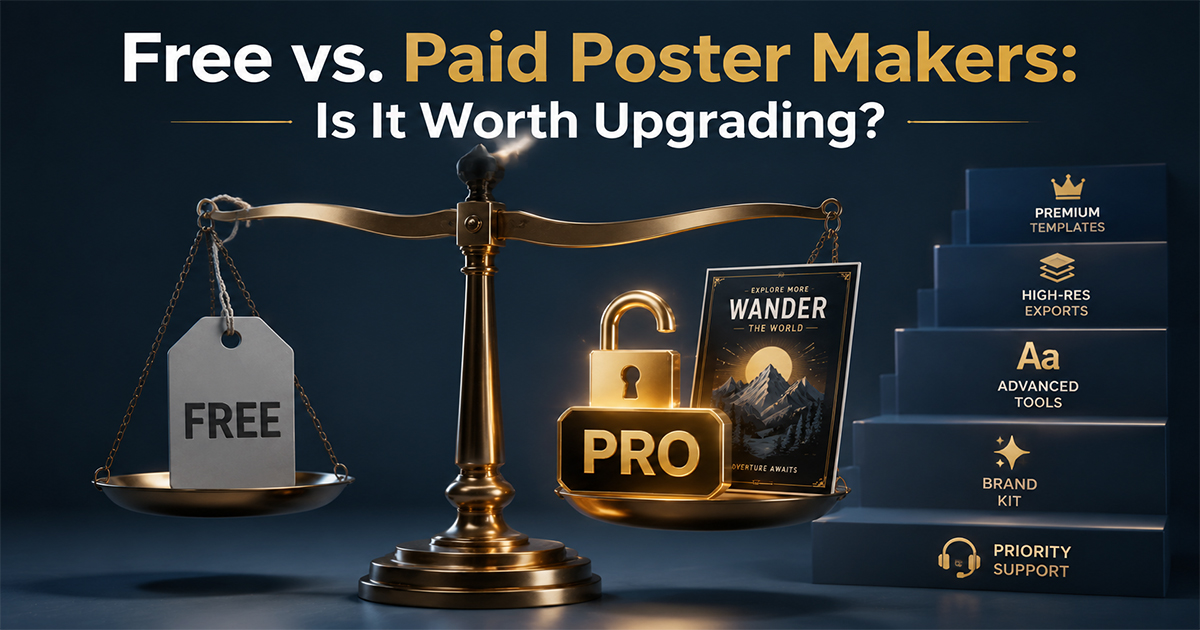
Free vs. Paid Poster Makers: Is It Worth Upgrading?
Should you pay for a poster maker, or is free enough? We break down what free plans actually limit — resolution, watermarks, formats — and when upgrading pays off.
Almost every poster maker has a free tier. So the honest question is: do you ever actually need to pay? Sometimes yes, often no. It depends entirely on what you're making the poster for.
This guide breaks down what free plans really limit, what upgrading unlocks, and how to tell which side of the line you're on — using PosterVibe's own tiers as a concrete example.
What Free Plans Actually Limit
Across most poster tools, free tiers tend to restrict the same handful of things:
- Export resolution — often capped at screen resolution (72 DPI), which looks fine on a phone but blurry in print.
- Watermarks — some tools stamp a logo on free exports.
- File formats — PDF and CMYK are frequently paywalled.
- Project count — a limit on how many designs you can save.
- Premium templates and assets — the best-looking options sit behind the upgrade.
The trick is that none of these matter until they do. A free plan is perfect right up to the moment you try to print large.
A Concrete Example: PosterVibe's Tiers
| Free | Basic ($8.99/mo) | Pro ($16.99/mo) | |
|---|---|---|---|
| Projects | 10 | 50 | Unlimited |
| Export resolution | 72 DPI | 150 DPI | 300 DPI |
| Watermark | None | None | None |
| Templates | Core set | All | All |
| Formats | JPG/PNG | JPG/PNG | + PDF, CMYK |
| Best for | Screen, social | Small prints | Large/pro print |
Notably, PosterVibe's free plan has no watermark — so for sharing online, the free tier is genuinely usable, not crippled.
When Free Is Absolutely Enough
Stick with free if you're:
- Sharing on social media — Instagram, phone wallpapers, stories. 72 DPI is plenty for screens.
- Making a quick gift graphic to send digitally.
- Testing the tool before committing.
- Making only a handful of posters — within the project limit.
If your poster's final home is a screen, you rarely need to pay anything.
When Upgrading Is Worth It
Upgrade when:
- You're printing. This is the big one. A crisp print at A3 or larger needs 300 DPI — a 72 DPI export will look soft and pixelated on paper. If you're sending to a print shop or framing it, the resolution jump alone justifies the cost.
- You need CMYK or PDF. Professional print shops want CMYK color and PDF files. These are export-format features, almost always on paid tiers.
- You make posters regularly. If you blow past the free project limit, a subscription is cheaper than the hassle of deleting old work.
- You want every template. If the design you love is premium, that's a direct, tangible reason to upgrade.
The Cost-Benefit Math
A single professionally printed, framed poster can cost $30–80 at a print shop. Against that, a one-month Pro subscription (~$17) that guarantees the file prints sharp is trivial insurance — and you can cancel after.
That's often the smartest move: stay free for screen use, upgrade for a single month when you have something to print, then downgrade. You're paying only for the capability you actually need, when you need it.
The Verdict
- Free is enough for screens, social, gifts, and casual use — especially when there's no watermark.
- Paid is worth it the moment you print: 300 DPI, CMYK, and PDF are the features that separate "looks great on a phone" from "looks great on a wall."
Don't pay for resolution you'll never see. Do pay the moment your poster leaves the screen.
Start free, upgrade only when you print →
Where's your free-vs-paid line? Tell us in the community.
Ready to Create Your Own?
Put these ideas into practice with our album poster maker, or explore the album cover poster maker, spotify poster maker, tracklist poster maker.