
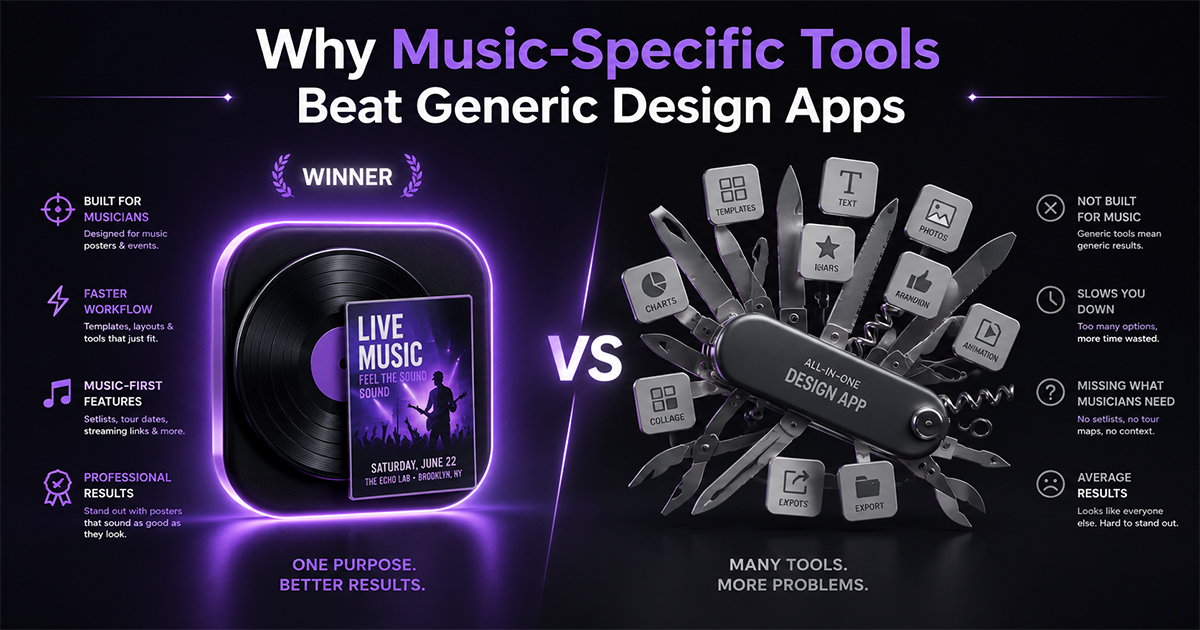
Why Music-Specific Tools Beat Generic Design Apps
Generic design apps can make anything — which is exactly the problem. Here's why a music-specific poster tool beats a general app for album posters.
A generic design app can make a birthday invite, a sales banner, a résumé, a wedding menu, and — if you push it — a music poster. That flexibility sounds like an advantage. For album posters specifically, it's usually the opposite.
Here's why a purpose-built, music-specific tool beats a do-everything design app when the job is an album poster.
1. The Data Problem Is Solved For You
A music poster is mostly data: cover art, artist, album title, release year, label, and a full tracklist in the right order.
In a generic app, all of that is manual. You hunt down a high-res cover image, type the artist and title, and hand-enter every track — spelled correctly, in sequence. For a 14-track album, that's tedious and error-prone.
A music-specific tool pulls it automatically. PosterVibe searches the album and loads the cover art, title, tracklist, label, and year from Spotify in one step. The single most time-consuming part of the job simply disappears.
This is the biggest difference — and generic apps can't match it, because they have no concept of an "album."
2. Templates Speak the Right Visual Language
Album posters have their own design grammar: how the cover sits relative to the tracklist, where the metadata block goes, how a color palette is pulled from the artwork, how a Spotify code is placed.
Generic templates are built for events, ads, and social posts. You can bend one toward a music layout, but you're fighting the template the whole way.
Music-specific templates are designed around exactly these elements from the start — so the defaults already look right.
3. Music-Aware Features You Won't Find Elsewhere
Purpose-built tools include things a generic app never will:
- Auto color-palette extraction from the cover art.
- Tracklist auto-layout that flows into balanced columns as track count changes.
- Spotify scan codes placed correctly as a design element.
- Album-aware field binding — change the album, and every field updates at once.
These aren't features a general design app would ever build, because its audience isn't making album posters.
4. Fewer Decisions, Faster Finish
Flexibility has a hidden cost: every option is a decision. A blank-canvas generic app asks you to choose the size, the layout, the structure, and where everything goes before you've even started.
A specialized tool pre-makes those decisions sensibly. You go from "I want a poster of this album" to a finished design in minutes, changing only what you care about.
5. When the Generic App Still Wins
To be fair — a generic design app is the better choice when:
- You're making many different kinds of graphics, not just music posters.
- You want total creative freedom from a blank canvas.
- Your project isn't really a music poster at all.
If your work spans flyers, social posts, and slideshows, one flexible app makes sense. The specialized tool wins specifically when the recurring job is album posters.
The Verdict
A generic design app is a great generalist. But for album posters, a music-specific tool wins on the things that actually cost you time and cause mistakes: automatic album data, music-tuned templates, and music-aware features.
The rule of thumb is simple: use the generalist for variety, the specialist for the job you do often. If that job is making album posters, the specialist wins every time.
Try the tool built for album posters — free →
Specialist or generalist — what's your take? Tell us in the community.
Ready to Create Your Own?
Put these ideas into practice with our album poster maker, or explore the album cover poster maker, spotify poster maker, tracklist poster maker.