
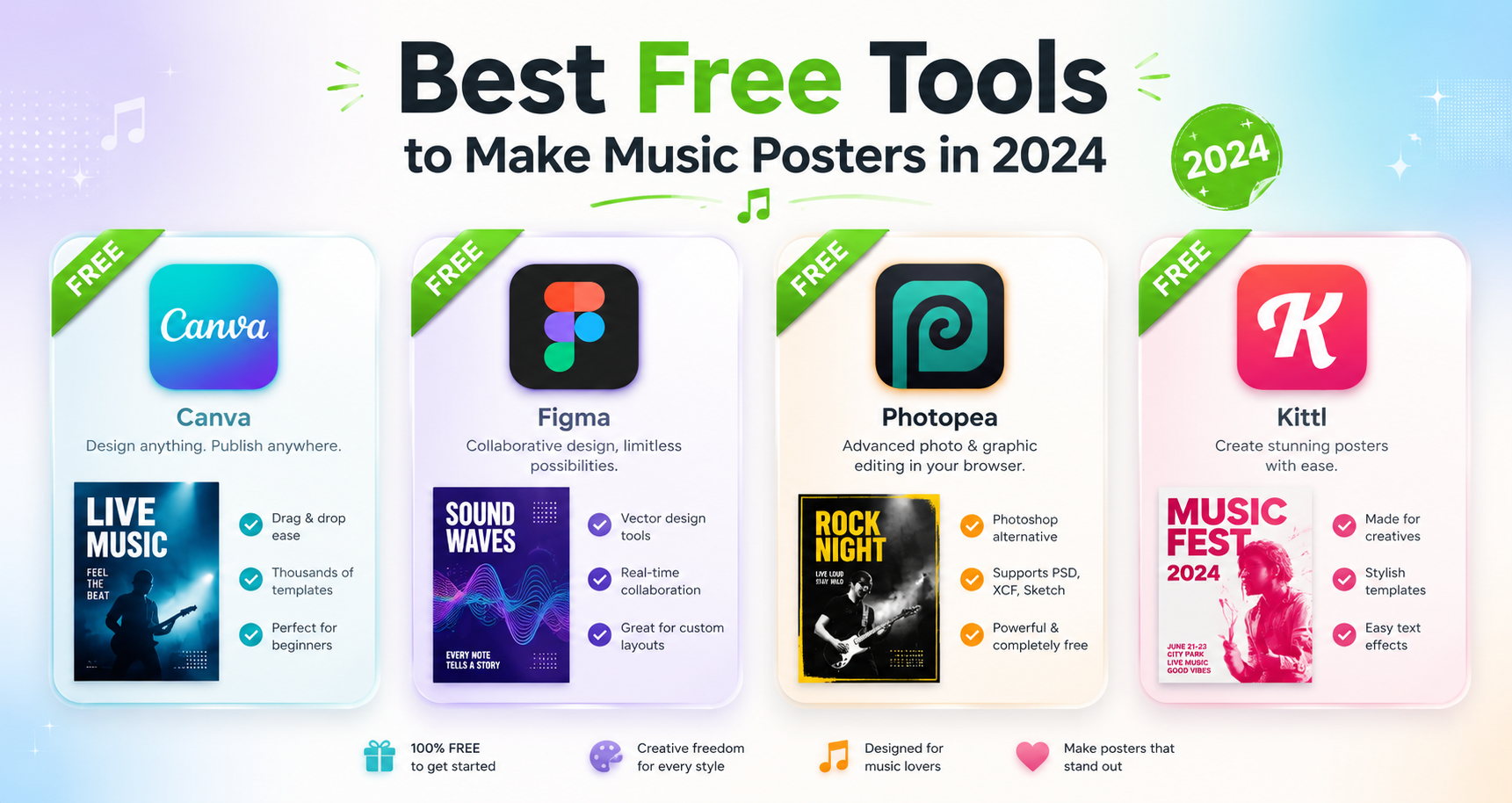
Best Free Tools to Make Music Posters in 2024
Want to make a music poster for free? Here are the best free tools in 2024 — from PosterVibe to Canva and GIMP — with honest pros, cons, and who each is for.
You don't need an expensive subscription to make a great music poster. In 2024, there are genuinely good free tools that'll get you from idea to finished design — if you pick the right one for your skill level and goal.
Here are the best free options, with honest pros and cons for each.
1. PosterVibe — Best for Album Posters Specifically
What it is: A purpose-built album poster generator. Search an album, and it auto-loads the cover art, artist, title, tracklist, and year from Spotify. Pick a template, customize, export.
Free plan: 10 projects, 72 DPI export, no watermark, core templates.
Pros:
- Album metadata filled in automatically — no typing tracklists.
- Templates built specifically for music posters.
- Fastest path to a finished album poster (under 5 minutes).
- No watermark on free exports.
Cons:
- Specialized — it's for album/music posters, not general design.
- 300 DPI print and CMYK/PDF are on paid tiers.
Best for: anyone who wants an album or tracklist poster done fast and looking right.
2. Canva — Best for General-Purpose Design
What it is: A hugely popular drag-and-drop design tool with thousands of templates.
Free plan: Generous, with a large free template and asset library.
Pros:
- Enormous template selection.
- Very beginner-friendly.
- Works for posters, social posts, presentations — almost anything.
Cons:
- Not music-specific: you supply the cover art and type the tracklist by hand.
- Many of the best templates and assets are Pro-only.
- You'll spend time bending a generic template toward a music layout.
Best for: people who want one flexible tool for many kinds of graphics.
3. GIMP — Best Free Tool for Full Control
What it is: A free, open-source image editor — essentially a free Photoshop alternative.
Free plan: Completely free, no tiers.
Pros:
- Total pixel-level control.
- Genuinely free and powerful, including high-res export.
- No subscription, ever.
Cons:
- Steep learning curve.
- You build everything from scratch — no music templates, no auto data.
- Slow for a simple poster.
Best for: people who already know image editing and want maximum control at zero cost.
4. Photopea — Best Browser-Based Editor
What it is: A free, browser-based editor with a Photoshop-like interface that even opens PSD files.
Free plan: Free (ad-supported), no install.
Pros:
- Familiar Photoshop-style workflow in the browser.
- Opens and exports professional file formats.
- Nothing to install.
Cons:
- Same as GIMP: powerful but manual, with a learning curve.
- No music-specific features or templates.
Best for: Photoshop-literate users who want a free, no-install option.
How to Choose
| Your situation | Best free tool |
|---|---|
| "I just want an album poster, fast" | PosterVibe |
| "I want one tool for all my graphics" | Canva |
| "I know editing and want full control" | GIMP |
| "I want Photoshop-style, in-browser" | Photopea |
The single biggest time-saver for album posters is automatic metadata. Typing a 14-track listing by hand in a general tool is exactly the friction a music-specific tool removes.
The Bottom Line
For a music poster specifically, PosterVibe's free tier is the fastest route — the cover art and tracklist do themselves. For broad design flexibility, Canva is the safe pick. And if you want raw power for free, GIMP or Photopea deliver, at the cost of a learning curve.
Start with the one that matches your goal, not the one with the most features.
Make a free music poster in minutes →
What free tool do you swear by? Tell us in the community.
Ready to Create Your Own?
Put these ideas into practice with our album poster maker, or explore the album cover poster maker, spotify poster maker, tracklist poster maker.