Dark style
Make a dark album poster with serious atmosphere
Create a moody composition with deep tones, focused highlights, and enough contrast to make the artwork and track details glow.
Make a dark poster- Atmospheric dark palettes
- High-contrast album details
- Layouts designed for late-night energy
Three quick steps
How to make your poster
- 1
Choose your album
Search and start.
- 2
Make it yours
Style every detail.
- 3
Export or print
Ready for the wall.
Made for your music moments
- Music wall art
- A music gift
- Room decor
- Concert memories
- Playlist artwork
- Print collections
Ready for the wall
Print-ready export
PDF, CMYK, and 300 DPI availability depends on your plan, selected workflow, and source image resolution.
PDF
Print-ready
CMYK
Print color
300 DPI
Sharp detail
Why PosterVibe
Music details, auto-filled
Templates made for albums
Tracklists that stay readable
Dark Album Poster Maker — Published poster templates
Browse poster templates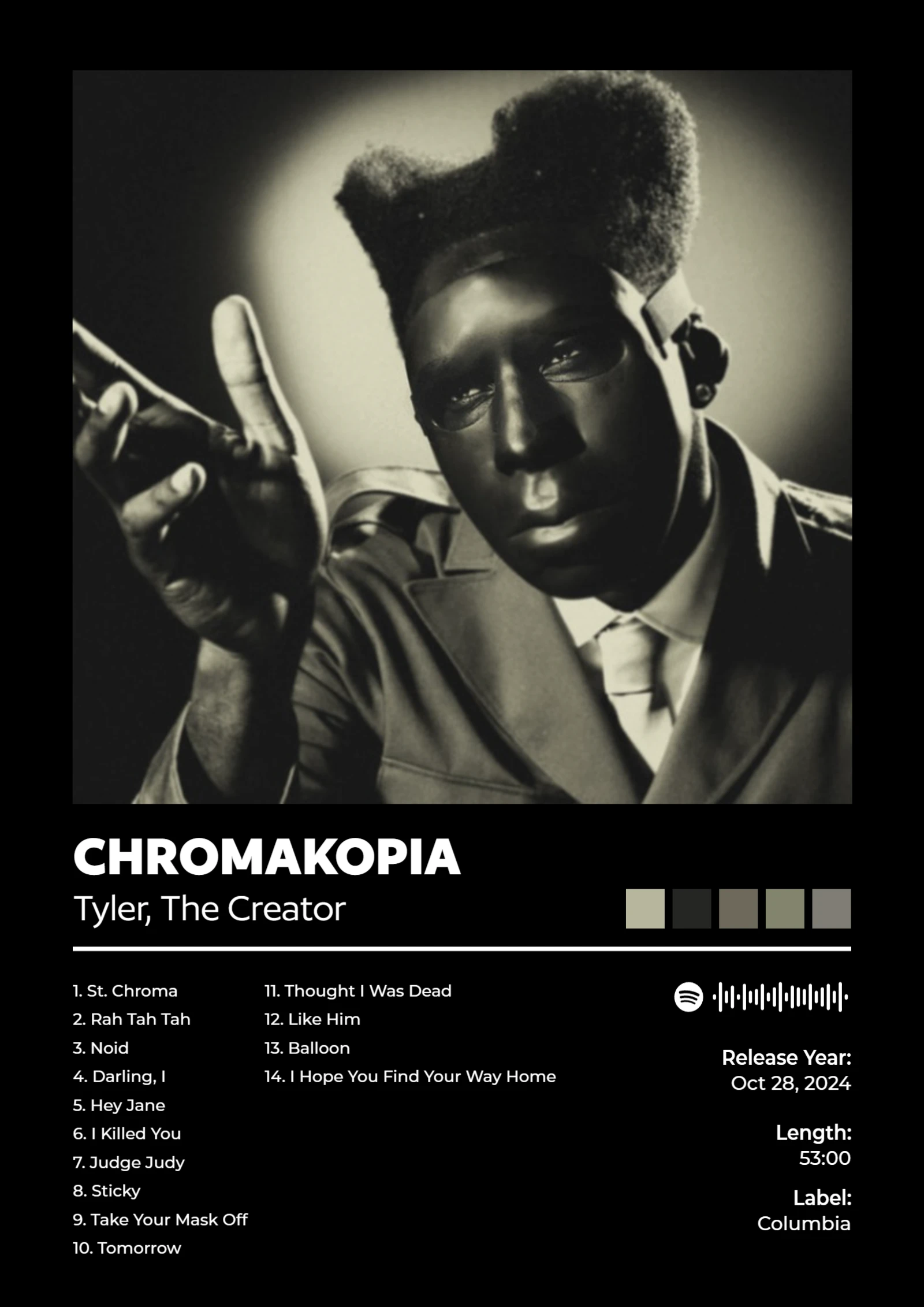
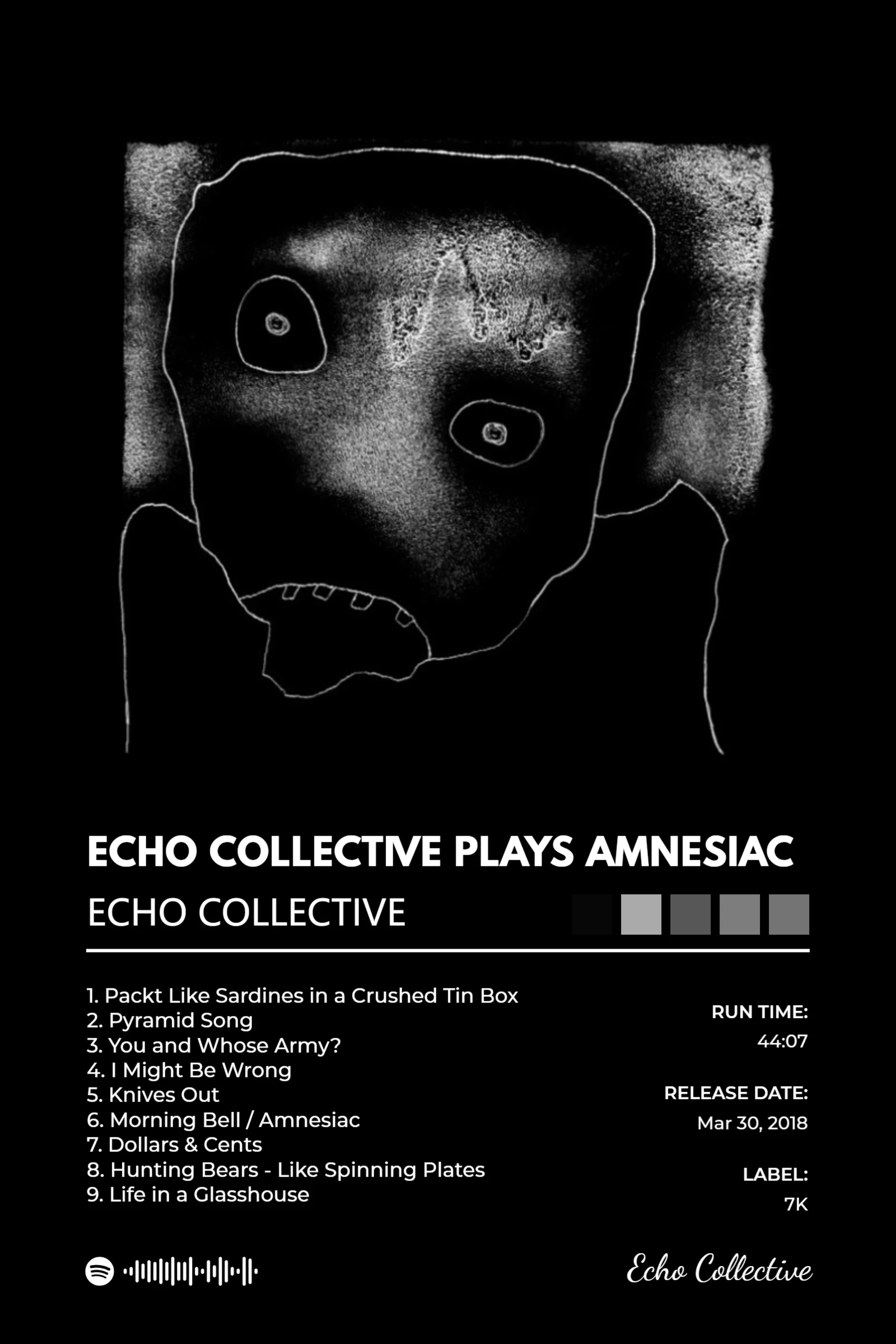
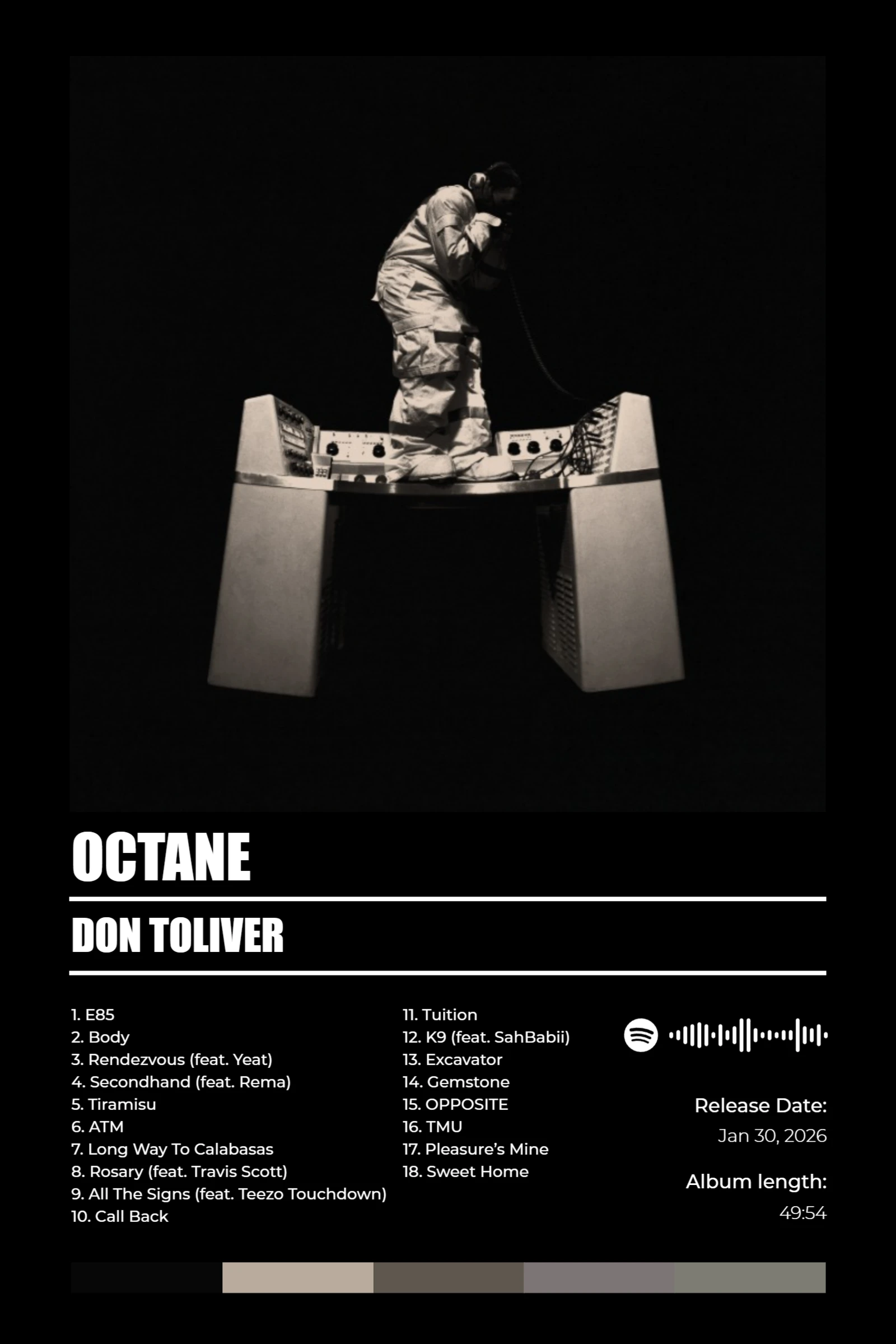
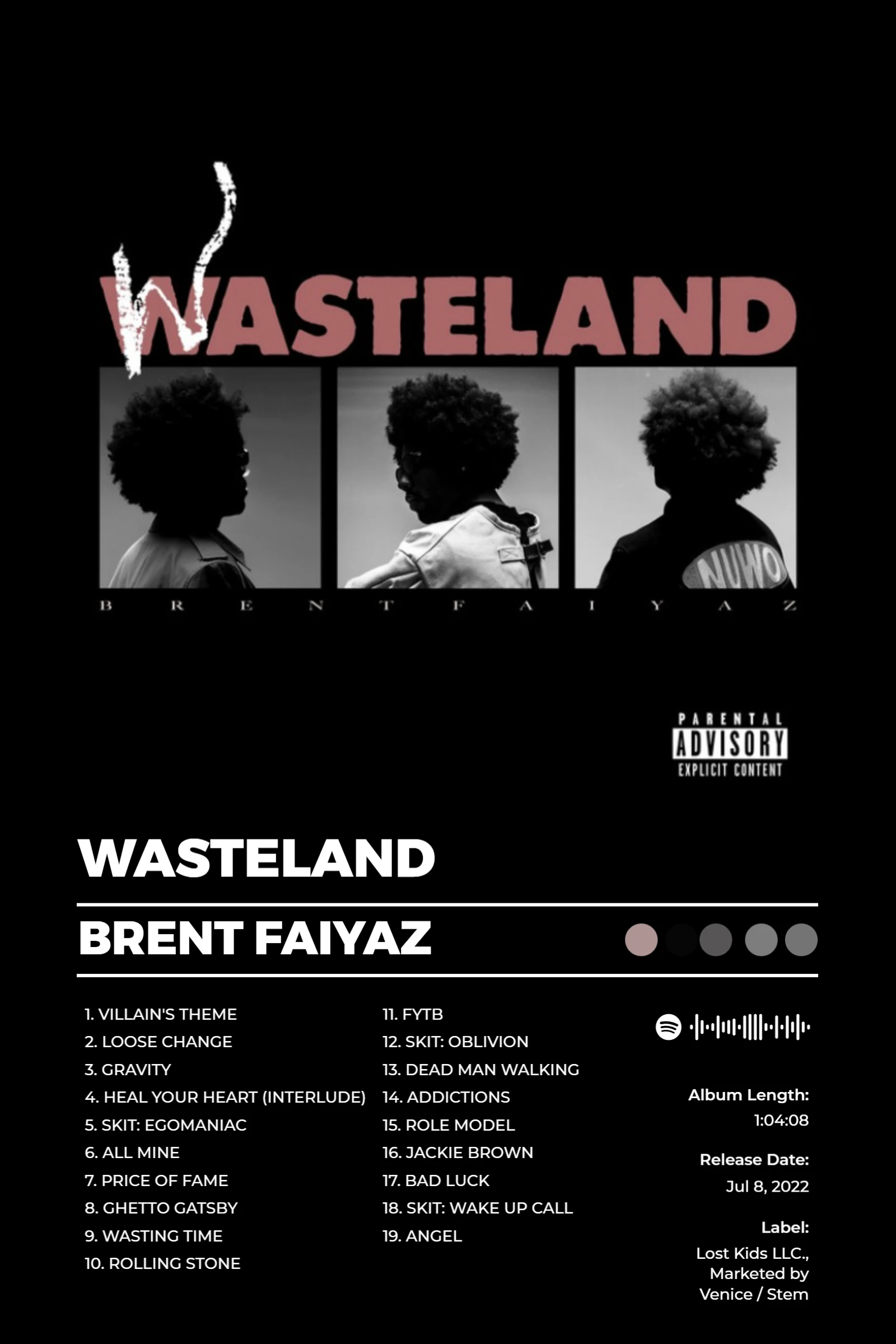
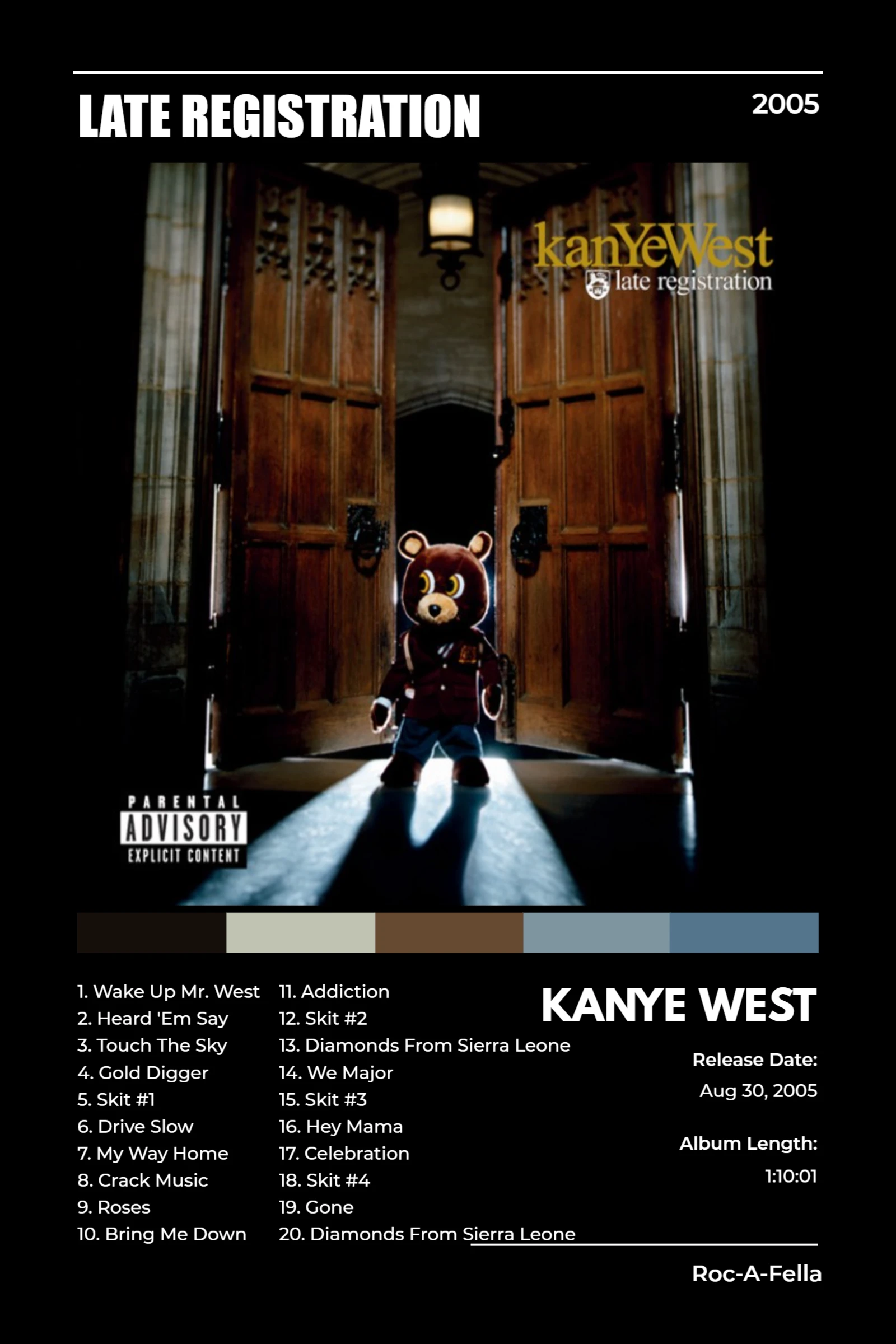
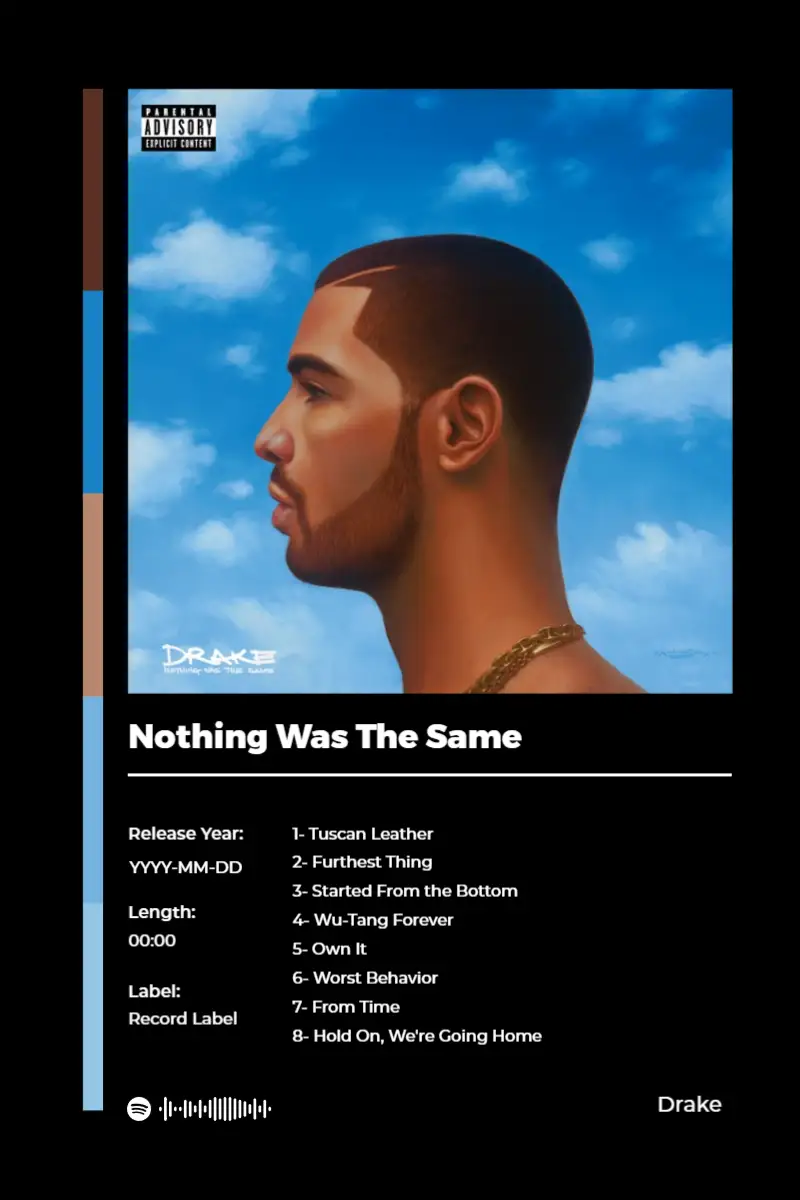
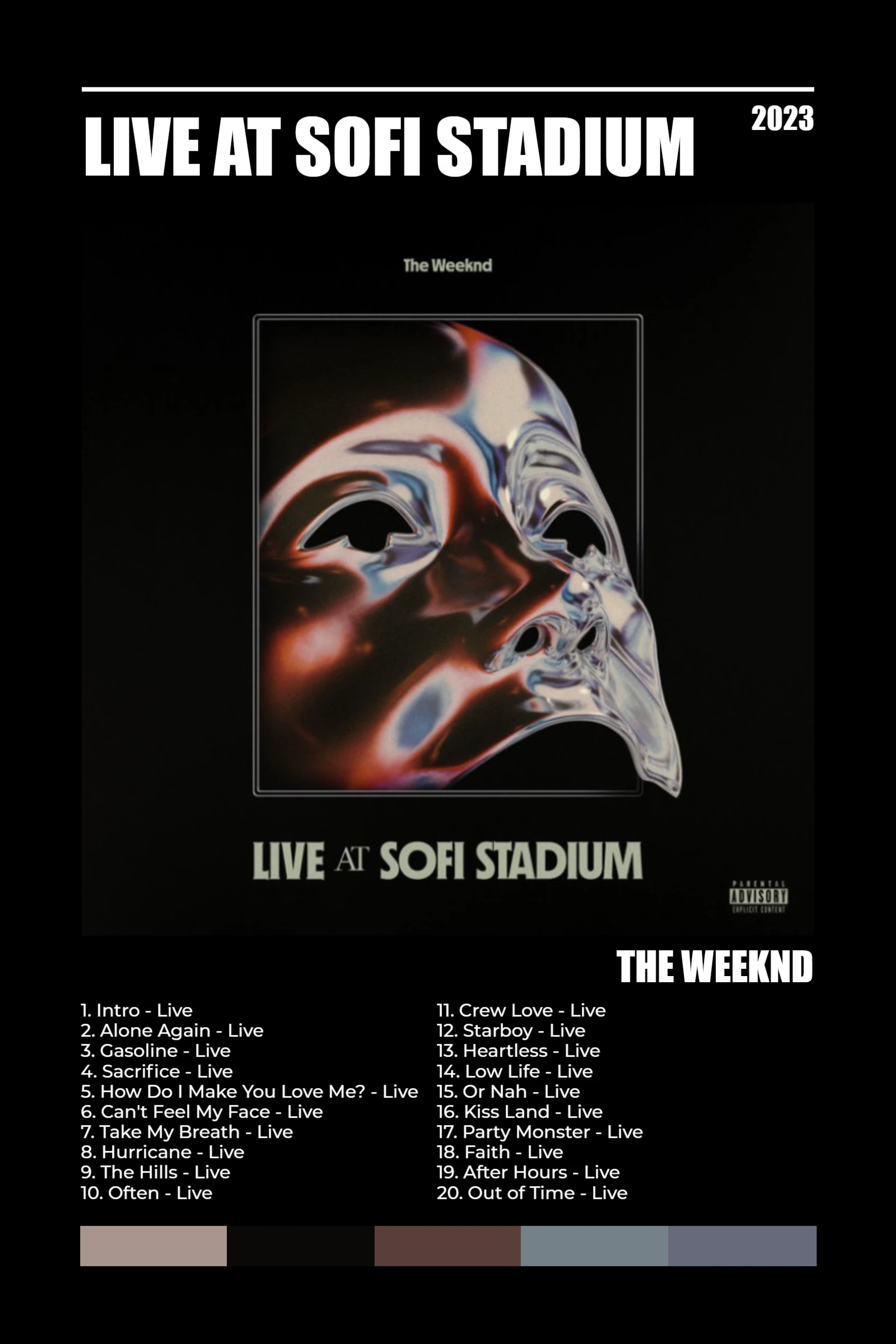
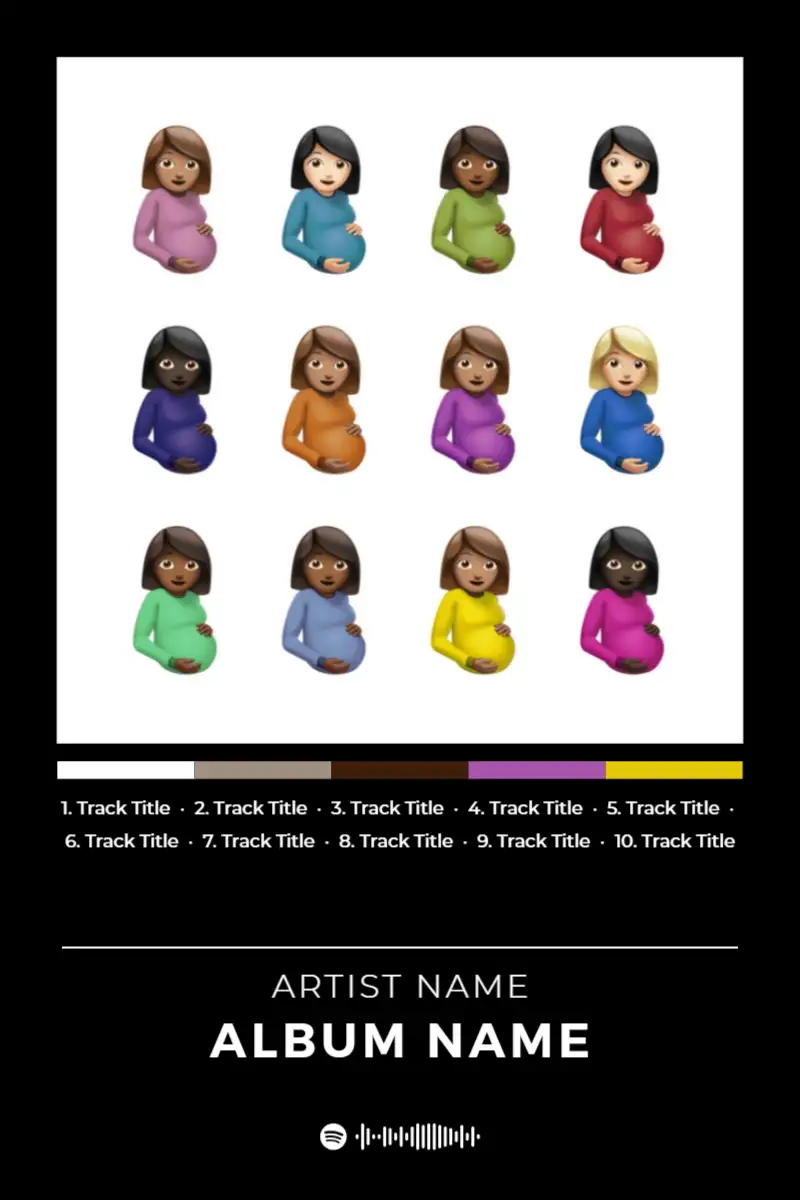
Community poster examples
View community workCommunity examples will appear here once creators publish them.
Frequently asked questions
- How do I make a dark album poster readable?
- Choose a layout with clear contrast, then use light type or highlights only where the viewer needs direction.
- Can I change a dark template’s colors?
- Yes. Adjust the palette while keeping enough contrast for the title and track information.
From the blog
View all articles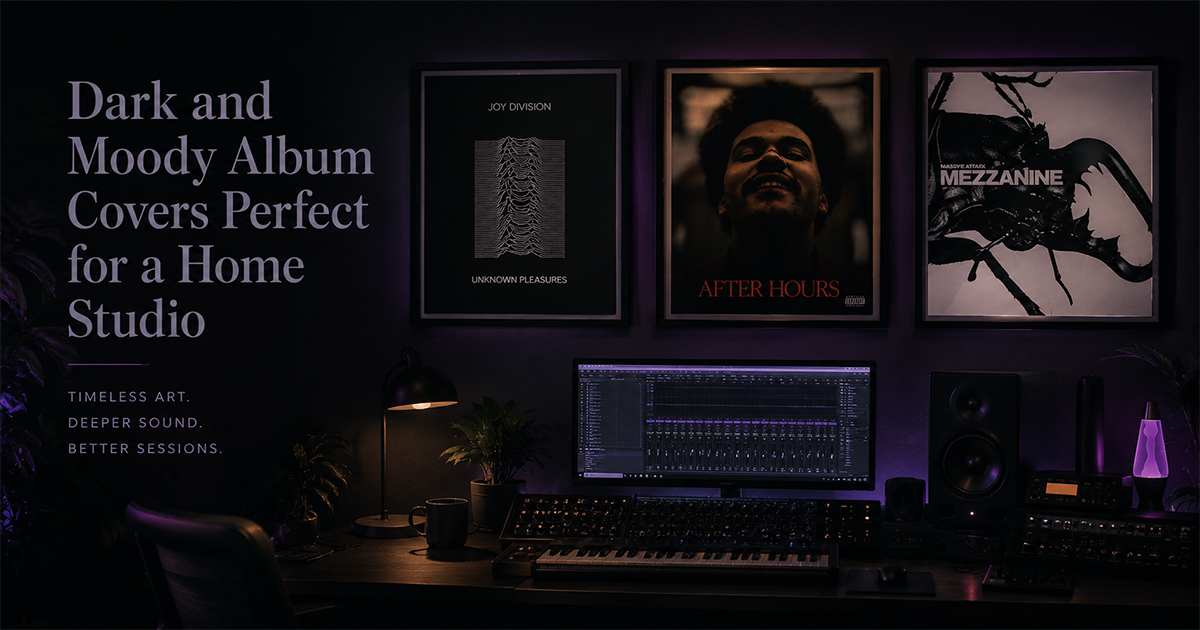
Explore more poster makers
Ready to make yours?
Made for your music moments