Customize it down to the track
Customize a poster down to the last track
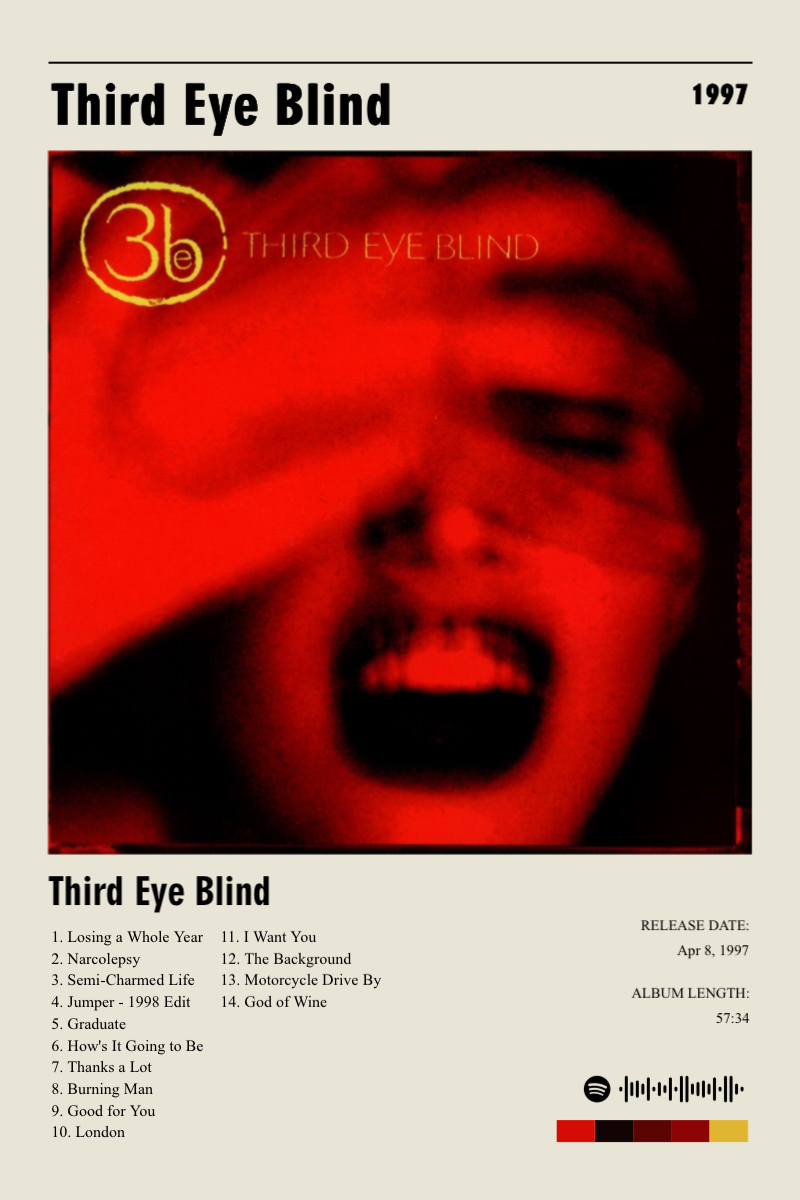
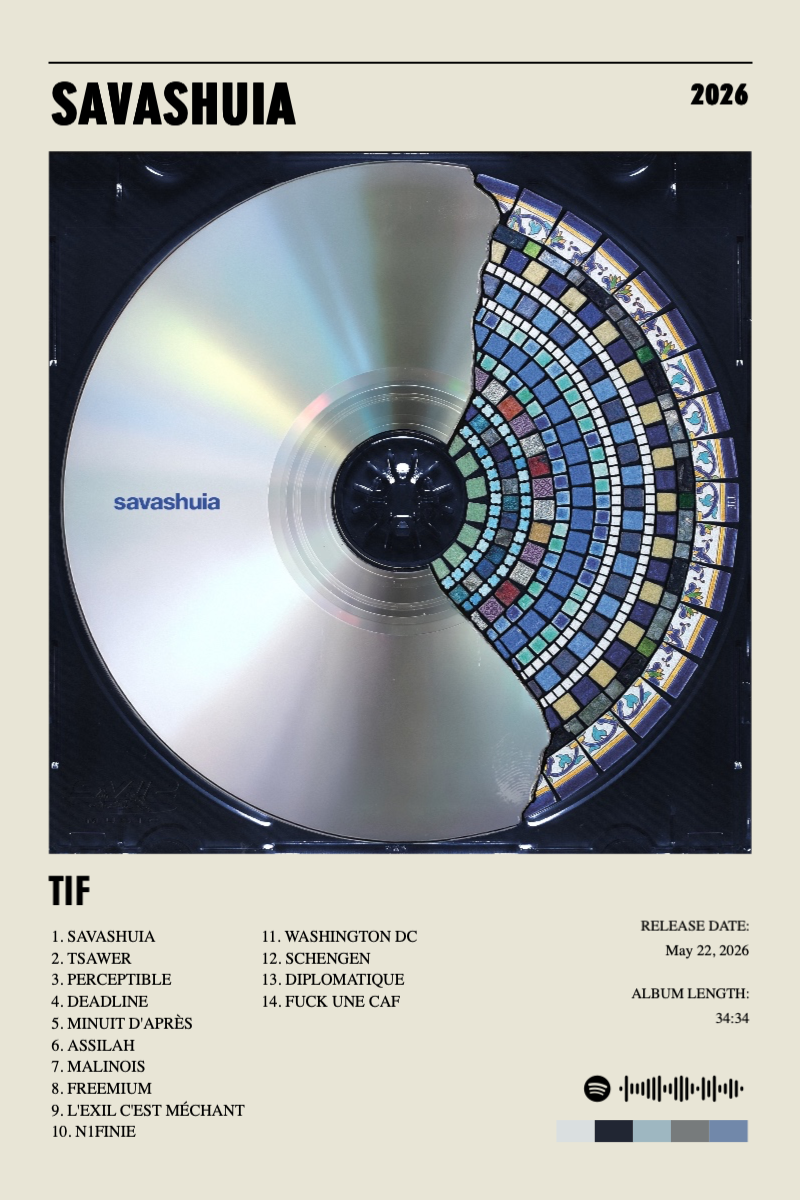
This isn’t a fill-in-the-blank template. Adjust the cover, colors, typography, and even which tracks are shown, starting from a real album’s data.
Customize your poster- Full control over color, type, and layout
- Edit which tracks and details are shown
- Start from real album data, not a blank canvas
Three quick steps
How to make your poster
- 1
Choose your album
Search and start.
- 2
Make it yours
Style every detail.
- 3
Export or print
Ready for the wall.
Made for your music moments
- Music wall art
- A music gift
- Room decor
- Concert memories
- Playlist artwork
- Print collections
Ready for the wall
Print-ready export
PDF, CMYK, and 300 DPI availability depends on your plan, selected workflow, and source image resolution.
PDF
Print-ready
CMYK
Print color
300 DPI
Sharp detail
Why PosterVibe
Music details, auto-filled
Templates made for albums
Tracklists that stay readable
Published poster templates
Browse poster templates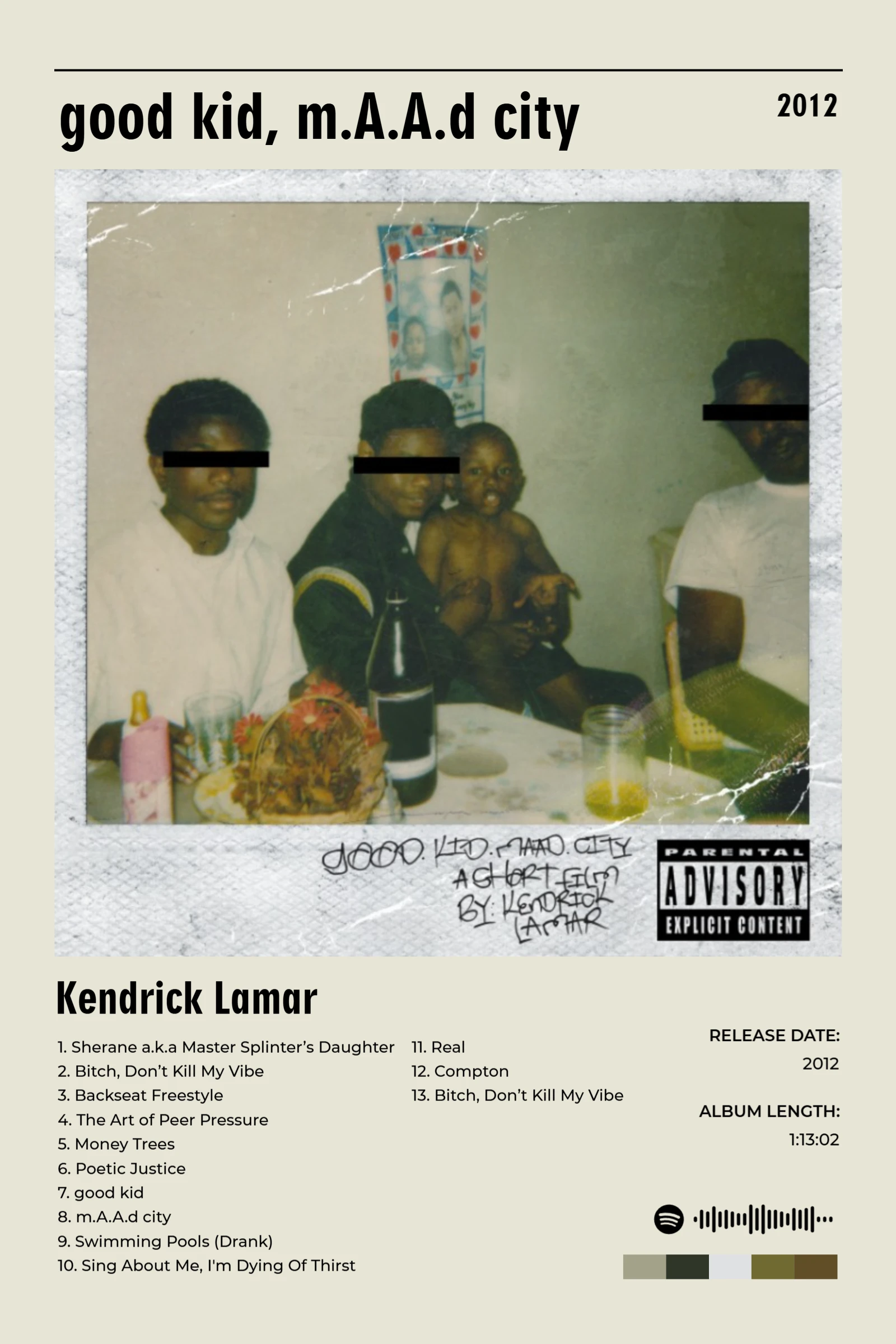
Snapshot
Snapshot
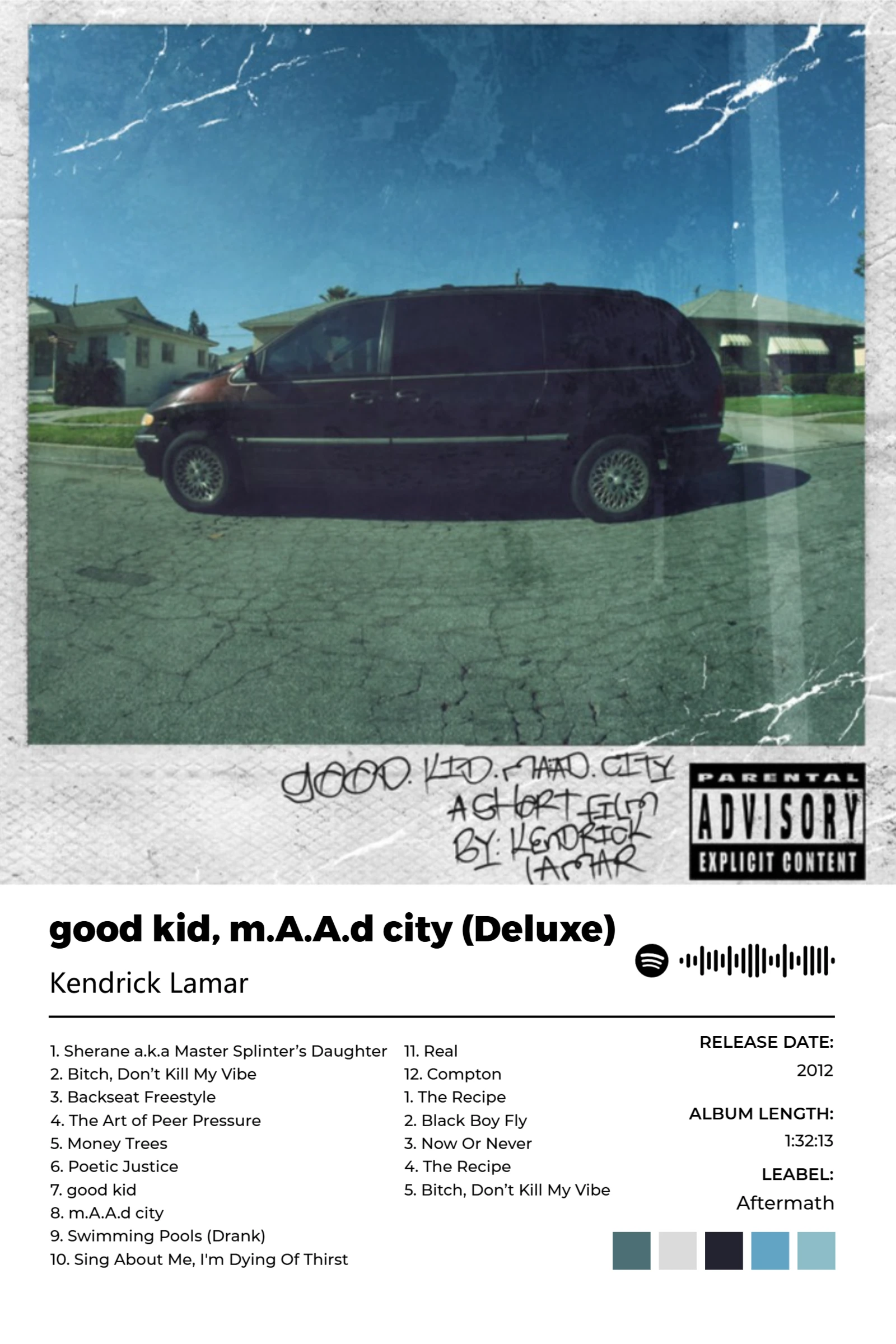
Thin Lite
Thin Lite
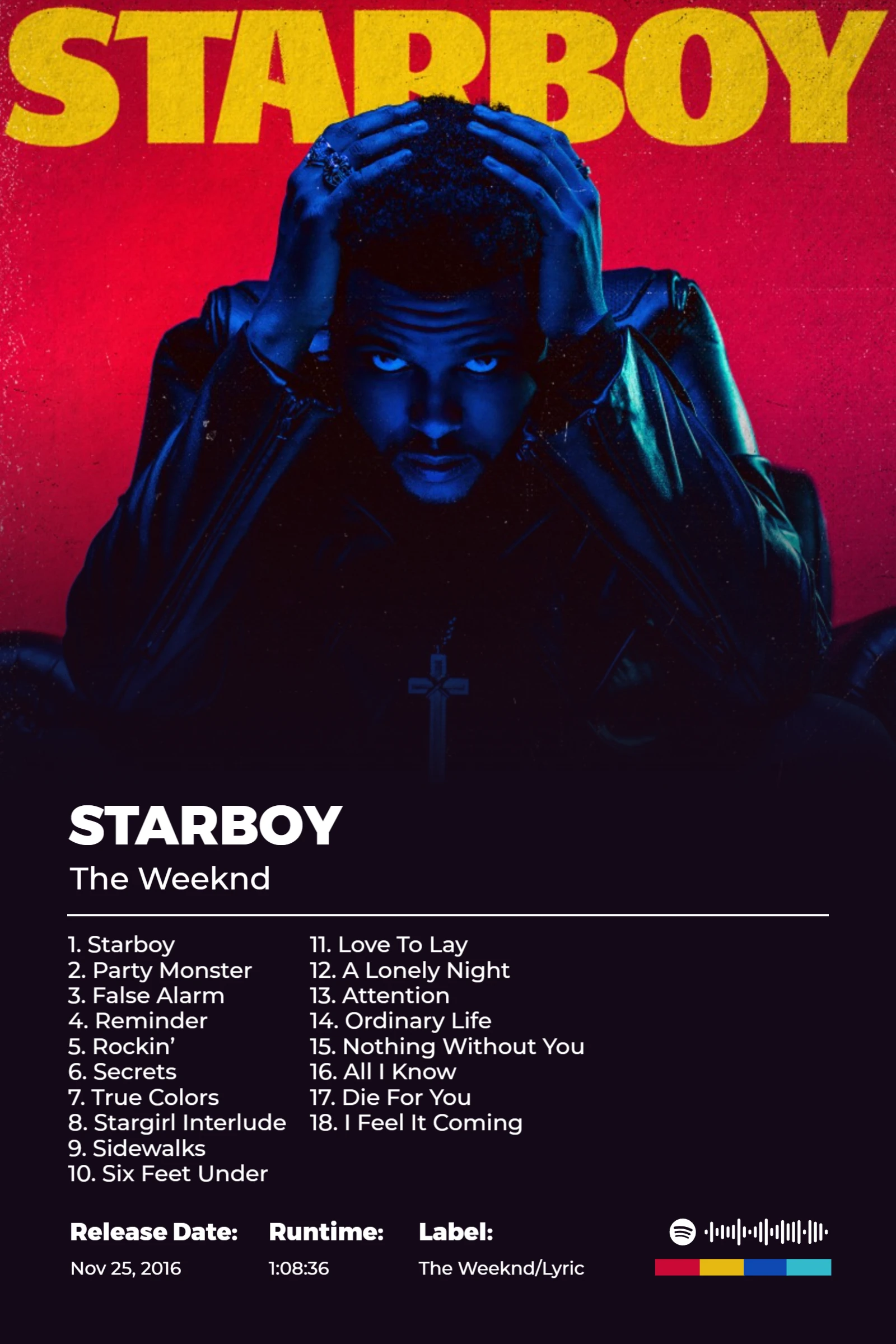
Gradient Hot Tape
Automatically select a gradient background color based on the album cover color
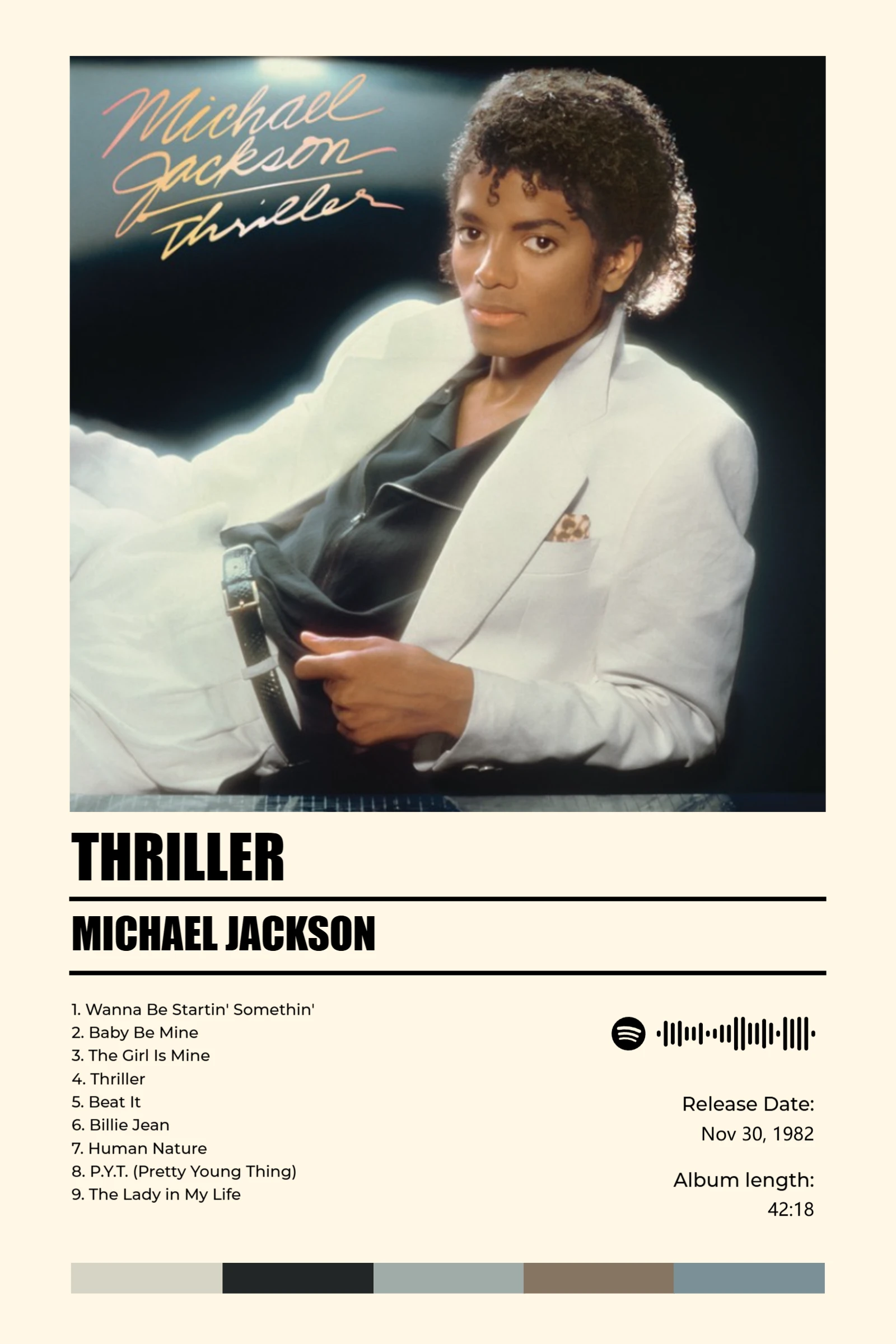
Chrome Heart
Chrome Heart
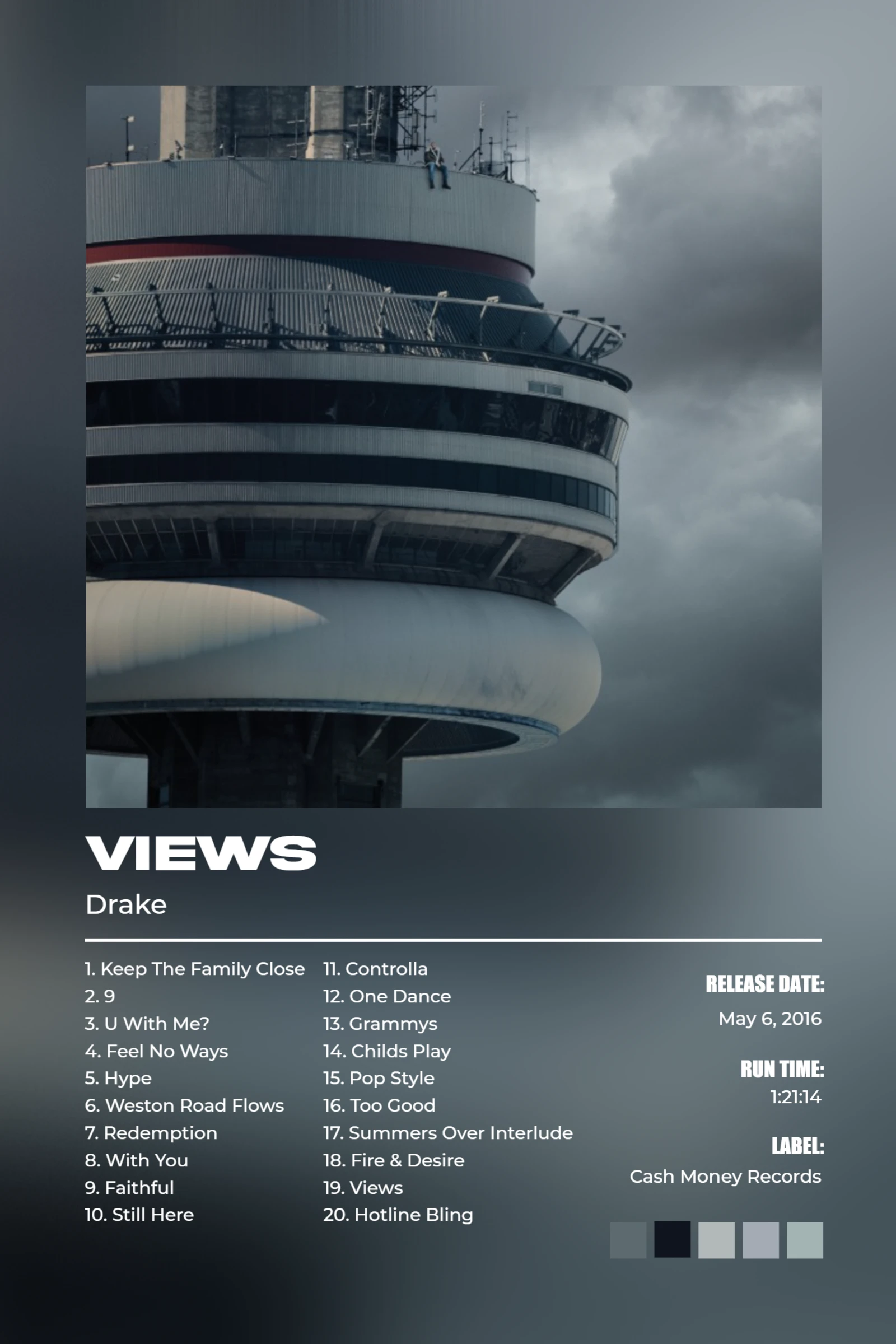
Blur Background Thick Air
Automatically blur background album cover, text color adapts automatically
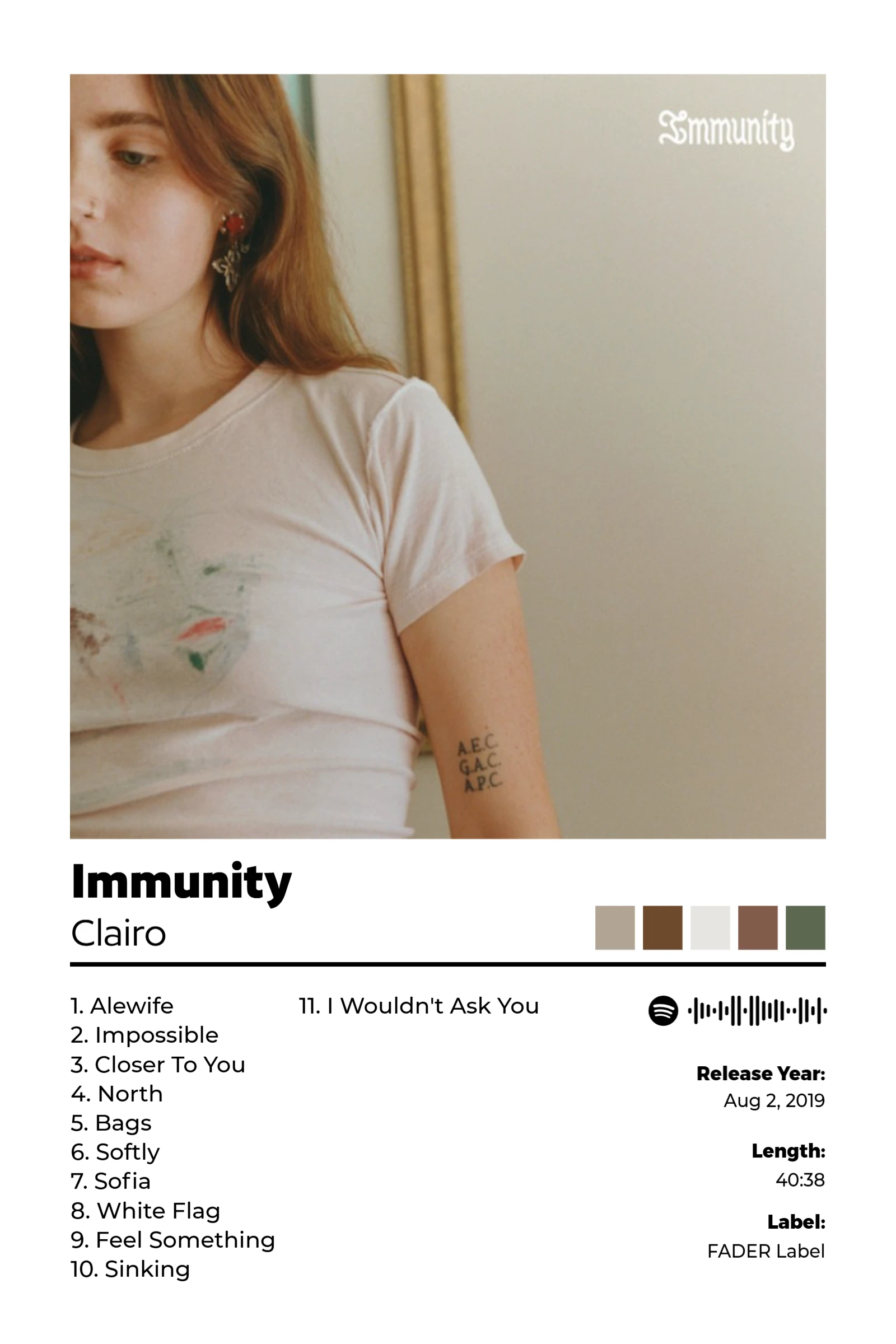
Paper Ghost
Paper Ghost
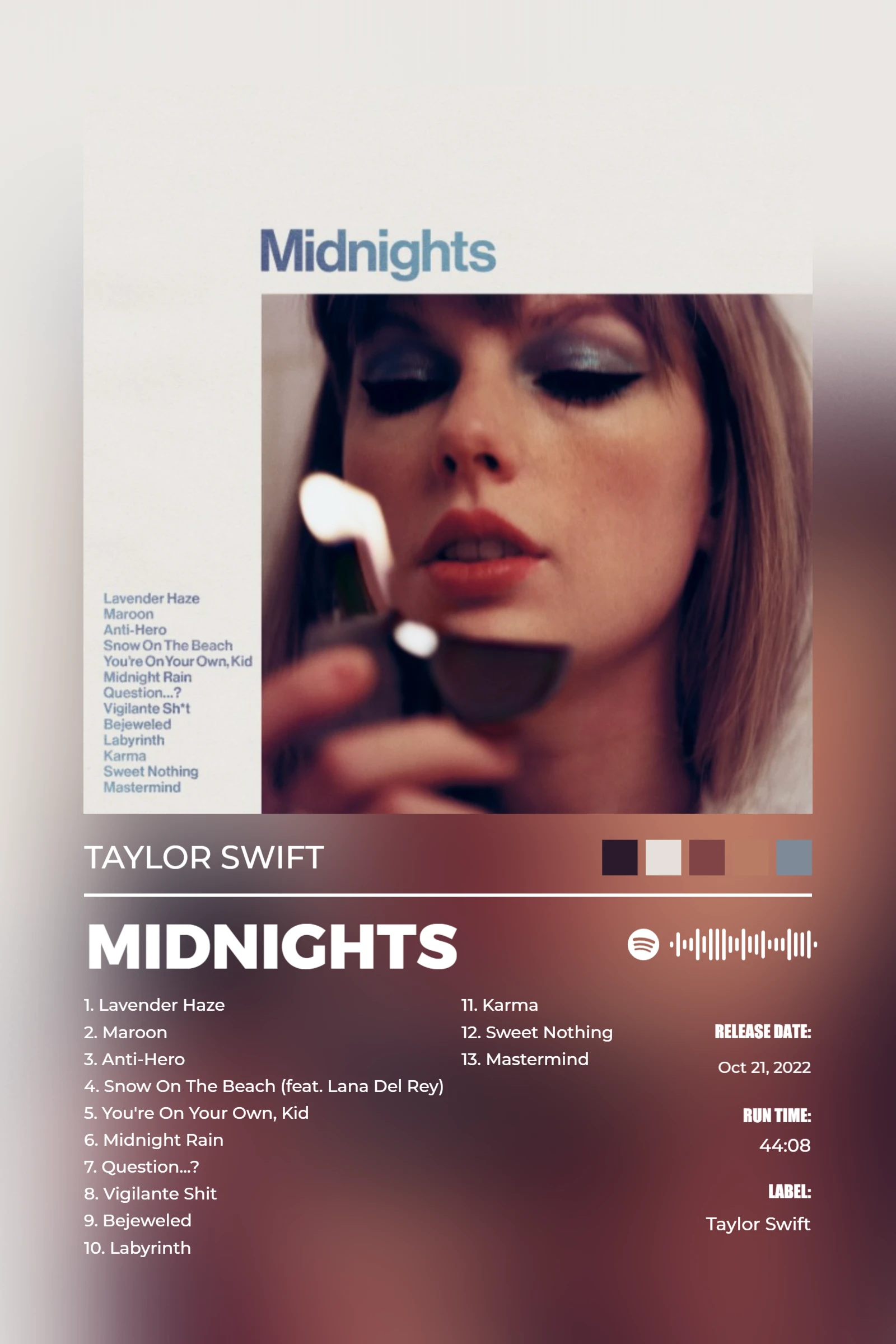
Blur Background Thin Mix
Automatically blur background album cover, text color adapts automatically
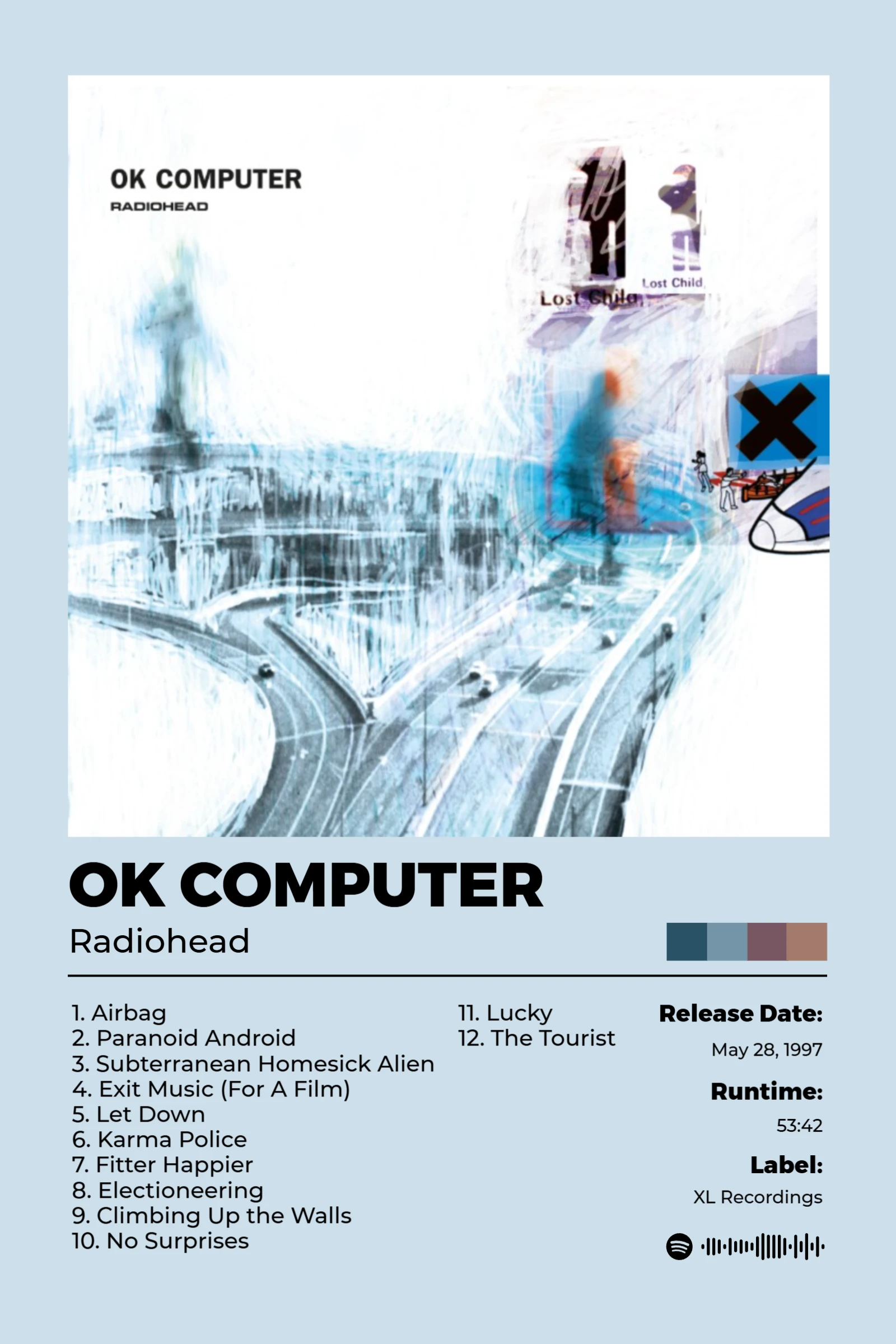
Auto Background Color Cold Wax
Automatically select a poster background color based on the album cover color
Community poster examples
View community work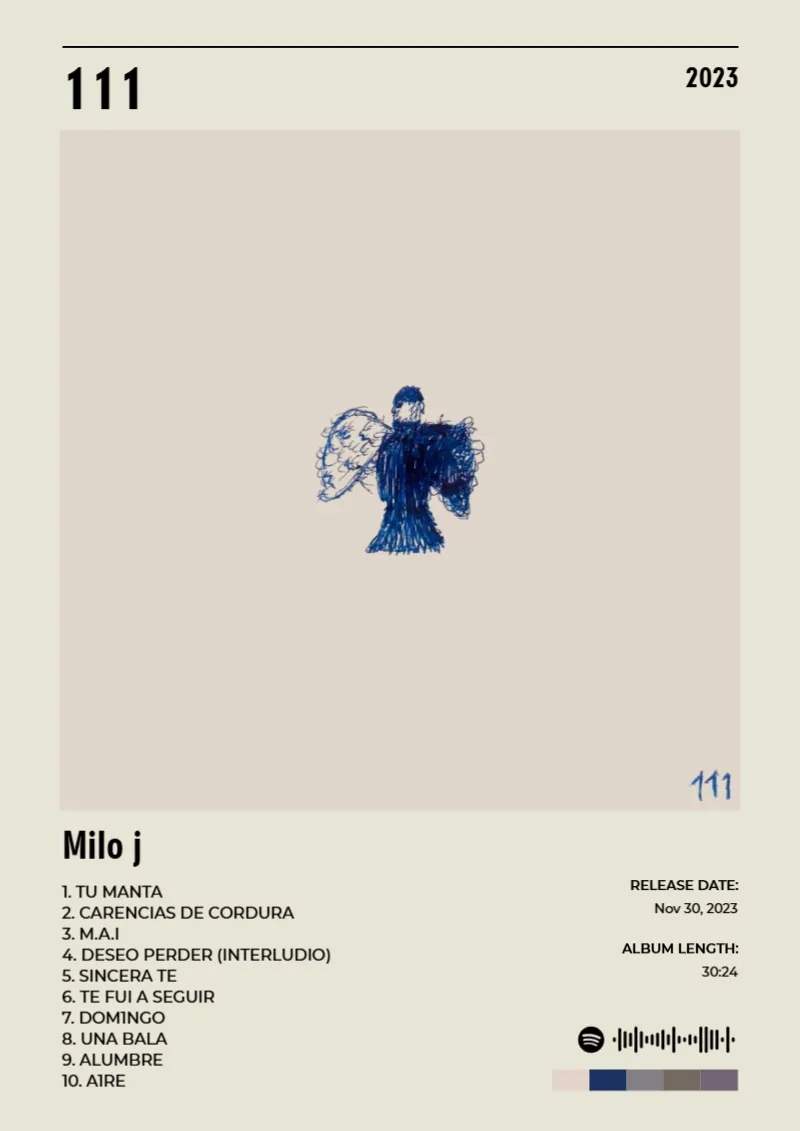
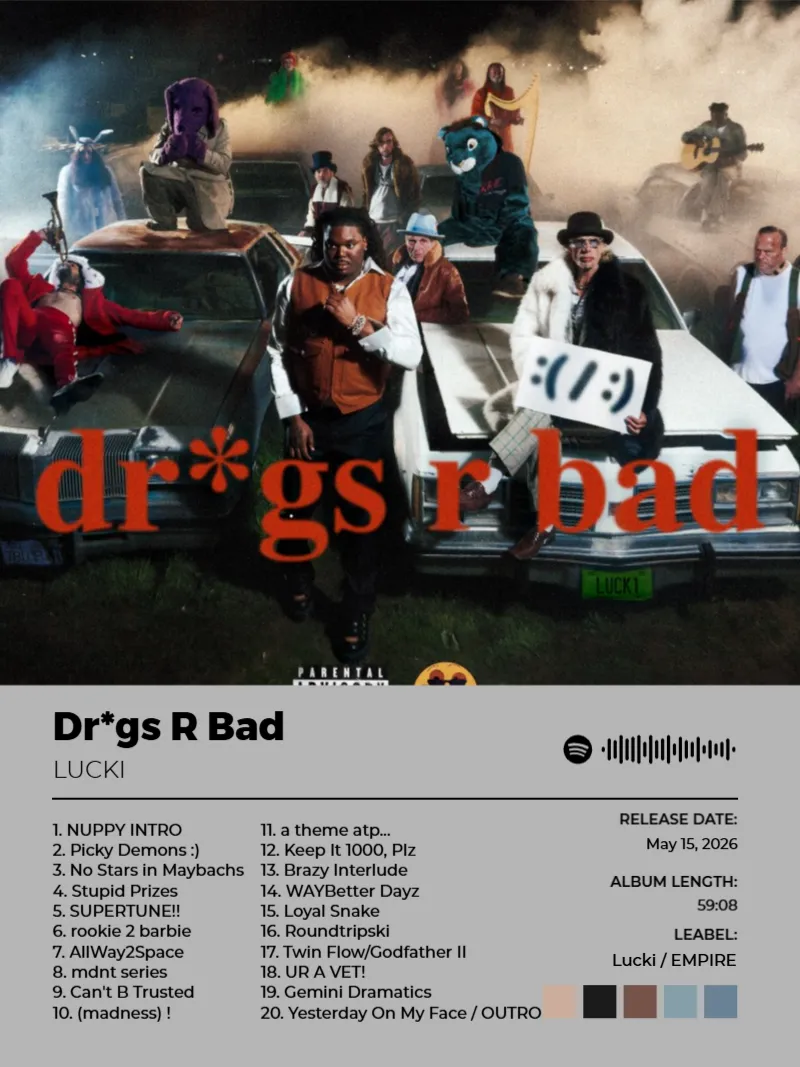
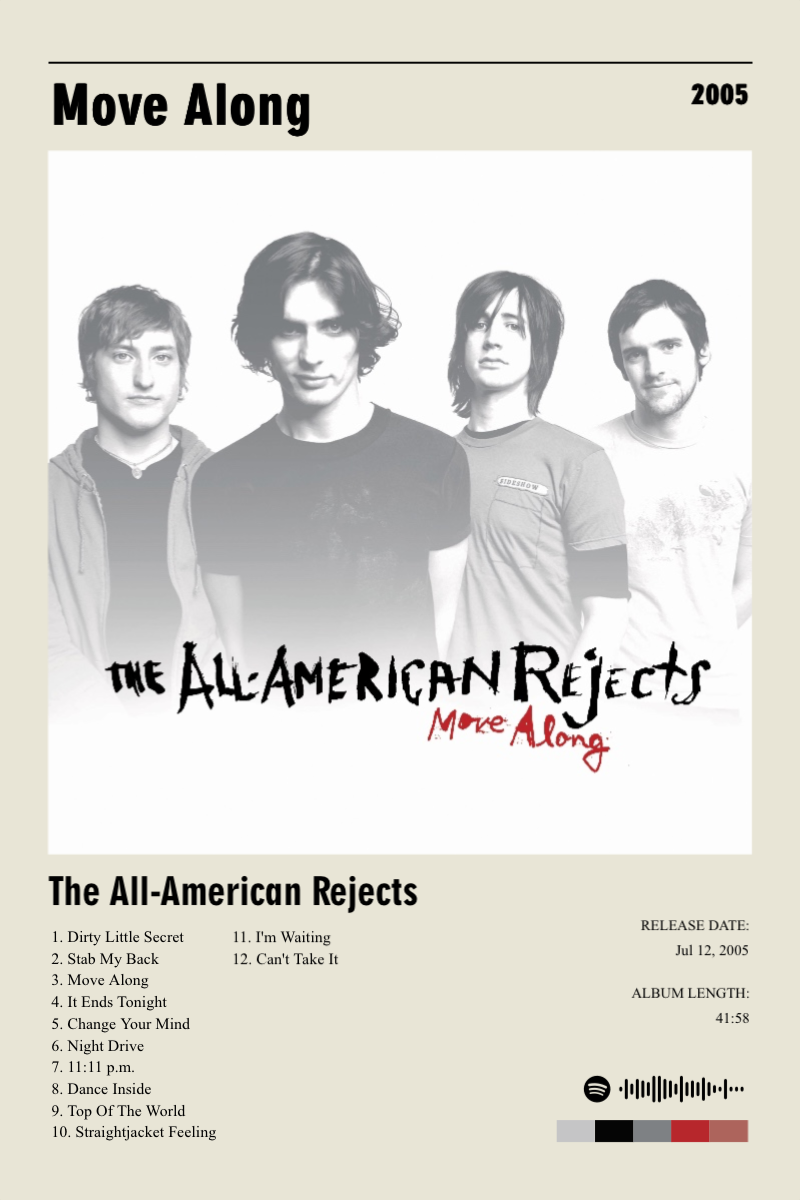
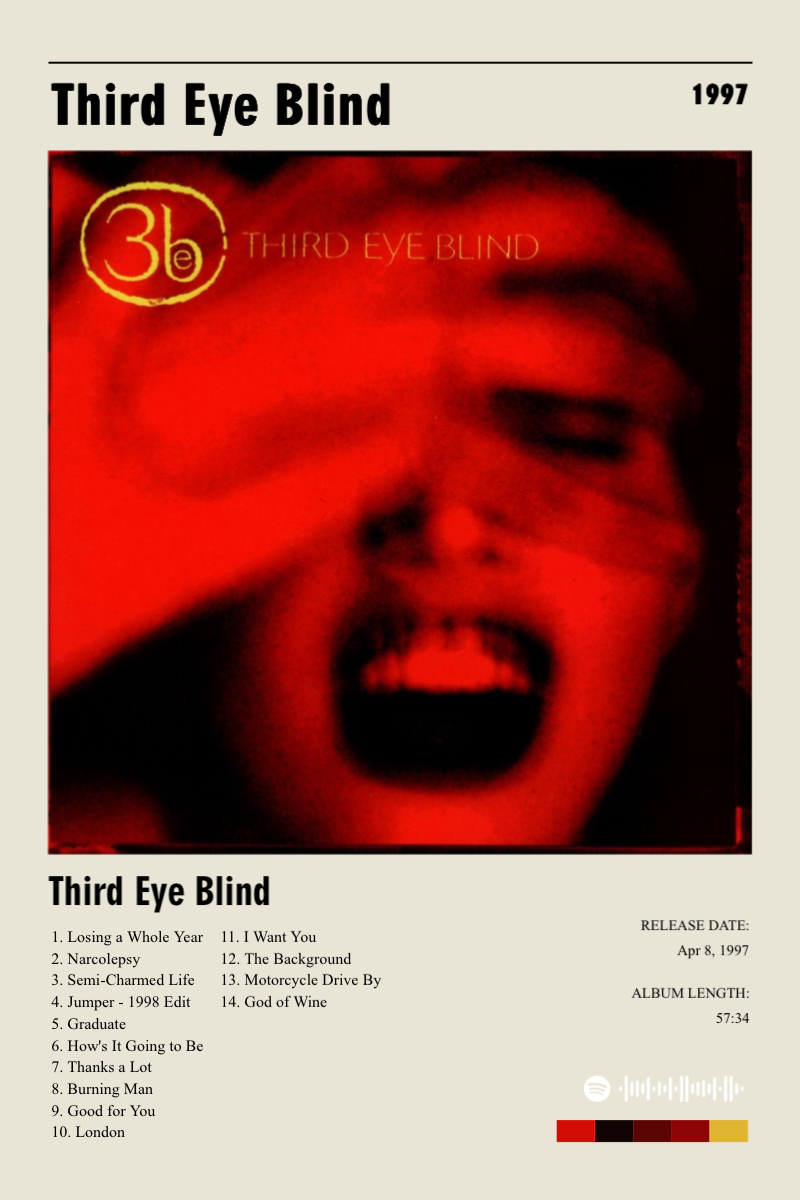
Frequently asked questions
- How much of the poster can I actually customize?
- Cover art, color palette, typography, layout, and the track details shown are all editable.
- Do I have to start from a template?
- You start from an album’s real data — its cover and tracklist — then customize the design from there.
Explore more poster makers
Ready to make yours?
Made for your music moments